Notifications

13 minutes, 6 seconds
-54 Views 0 Comments 0 Likes 0 Reviews
There’s a turning point in every PPC operation. It happens when the number of accounts crosses a threshold—somewhere between five and ten—and the old way of working stops holding up.
Before that threshold, everything fits. Logins live in a spreadsheet or a password manager. Each account gets individual attention. Reporting happens manually, but it’s manageable.
After that threshold, cracks appear. A client asks for a quick performance update, and pulling the numbers takes twenty minutes instead of two. A campaign that was supposed to be paused runs for three extra days because the wrong tab was open. The time spent on account maintenance starts eating into the time available for actual optimization.
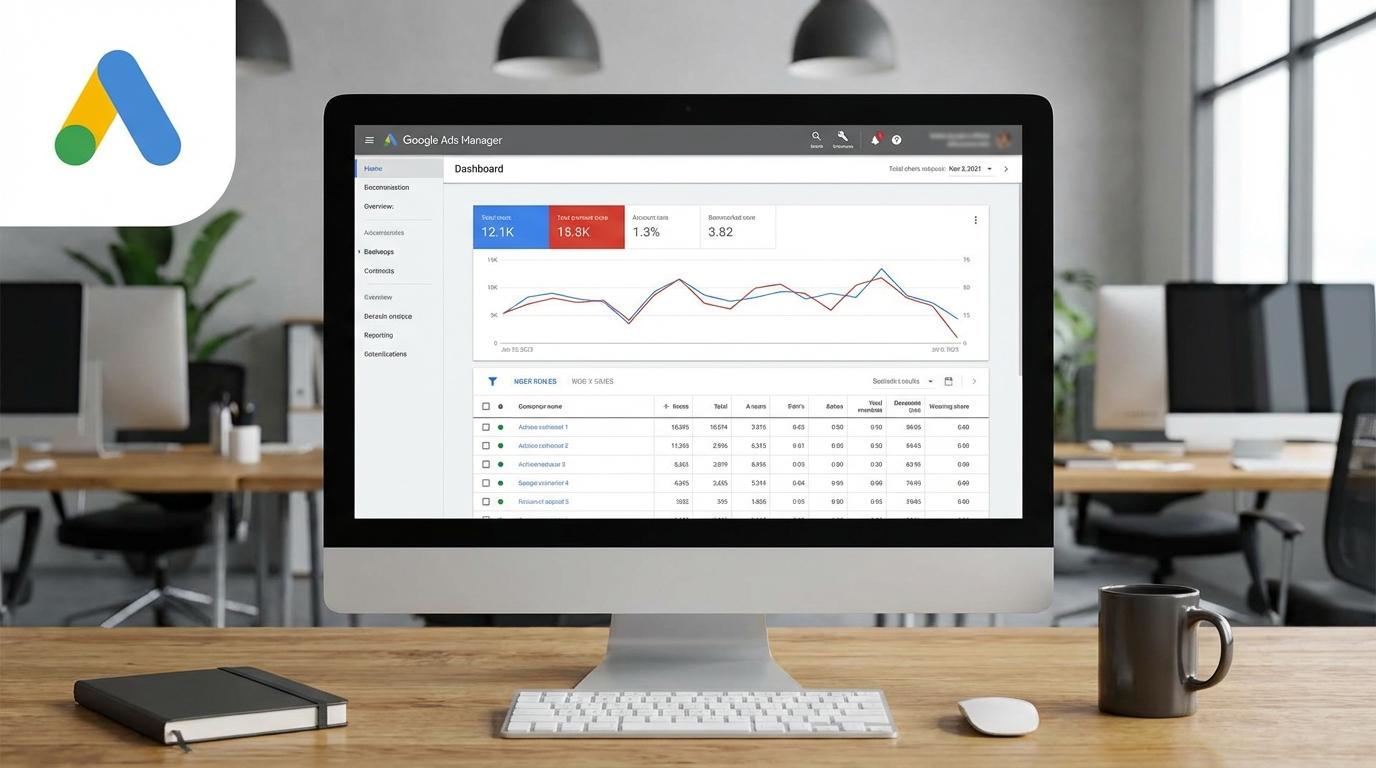
This is where a Google Ads Manager (MCC) stops being a nice‑to‑have and becomes the backbone of the operation. But simply having the tool isn’t enough. How it’s structured determines whether it becomes a launchpad for growth or just another layer of complexity.
Moving from individual logins to a Google Ads Manager Account forces a different mindset. Instead of thinking about accounts one by one, the focus shifts to systems that work across all of them.
The key realization: a manager account isn’t just about convenience. It’s about building a foundation that can handle ten, twenty, or fifty accounts without needing to reinvent the wheel for each one.
That means setting up structures that scale. Consistent naming conventions. Standardized conversion tracking. Shared libraries for negative keywords and audiences. Automated rules that apply across multiple accounts. These are the things that turn a collection of accounts into a cohesive operation.
Every new client adds a set of tasks. Access to be granted. Campaigns to be audited. Tracking to be verified. Without a system, onboarding becomes a bottleneck that slows growth.
A well‑structured Google Ads Manager turns onboarding into a repeatable process.
Step one: create the account inside the manager. When a new client comes on board, creating the ad account from within the MCC ensures it’s linked immediately. No waiting for link requests to be approved. No back‑and‑forth emails about access levels.
Step two: apply a template. Standard campaign structures can be saved as drafts or copied from existing accounts. This ensures consistency across clients and eliminates the guesswork of starting from scratch each time.
Step three: set up labels from day one. A simple labeling system—perhaps by client type, spend level, or service tier—makes filtering and reporting effortless later.
Step four: establish reporting templates. Custom dashboards built at the manager level can be applied to new accounts with a few clicks. Clients get their first look at performance without waiting for a custom report to be built.
When onboarding follows this pattern, the time from signed contract to live campaigns shrinks dramatically. And more importantly, the new account fits seamlessly into existing workflows instead of becoming an outlier.
Individual ad accounts offer limited perspective. A campaign might look like a star performer in isolation, but compared to similar accounts, it could be underperforming.
A Google Ads Manager unlocks cross‑account benchmarking. With all accounts in one view, patterns emerge that would otherwise stay hidden.
For example, looking at cost per lead across ten accounts might reveal that one vertical consistently outperforms another. That insight can shape sales strategy. Or comparing click‑through rates by industry might show which ad copy approaches work best for different client types.
The reporting tools within the manager account allow for these comparisons without exporting data to spreadsheets. Custom columns can be set up to show the metrics that matter most, and filters can isolate specific segments—like e‑commerce accounts or high‑spend clients—for apples‑to‑apples comparisons.
This level of visibility is something individual logins simply can’t provide.
As an operation grows, more people get involved. Account managers, ad specialists, perhaps an analytics person. Each needs access to specific accounts—but rarely all of them.
The Google Ads Manager handles this with granular permissions. Users can be added at the manager level, with access to all accounts, or at the individual account level, with restrictions. The key is to use the manager level as the primary access point.
A common mistake: giving team members direct logins to individual accounts. This creates a mess of credentials that’s hard to track and harder to revoke when someone leaves.
Instead, all team members should be added to the manager account. Permissions can then be tailored: one person might have admin access to all accounts, while another has view‑only access to a subset. When a team member departs, removing them from the manager account cuts off access everywhere instantly.
This approach also protects client relationships. Clients maintain ownership of their individual accounts. They can revoke the manager’s access at any time, but they can’t accidentally lock out the entire team because someone left with the password.
One of the more sensitive aspects of managing multiple accounts is billing. Different clients use different payment methods. Some prefer to pay Google directly. Others want the agency to handle payments and invoice them.
A Google Ads Manager allows for both models. Accounts can be set up with individual payment methods, or they can be consolidated under the manager’s billing. The flexibility matters because there’s no one‑size‑fits‑all approach.
What matters is consistency in how billing is handled. If some accounts are on client billing and others on agency billing, clear documentation is essential. The manager account dashboard can show which payment method is assigned to each account, but it’s easy to miss a misconfiguration until a card declines or a client receives an unexpected charge.
A simple rule: label accounts by billing type. “Client‑billed” and “Agency‑billed” as labels make it obvious at a glance.
Automation within the manager account often goes unused. The features exist, but many people never set them up.
Automated rules at the manager level can save significant time. Examples include:
Pausing campaigns that exceed a certain cost per conversion across multiple accounts
Sending alerts when any account spends more than 10% above daily budget
Applying shared negative keyword lists to all accounts in a specific label group
These rules work in the background, handling routine maintenance that would otherwise require manual checks.
The key is to start simple. One or two well‑designed rules prevent major problems without creating a tangle of automated actions that are hard to debug later.
Even with a manager account in place, certain mistakes hold operations back.
Over‑relying on the manager account for everything. The manager account is a management layer, not a replacement for individual account optimization. Some users try to run everything from the manager level and miss the nuance that comes from diving into individual accounts.
Ignoring the shared library. Negative keyword lists, audience lists, and conversion actions can be shared across accounts. Not using this feature means managing the same lists separately in each account—a huge time sink.
Adding everyone as admins. Granting admin access to everyone who touches the accounts creates unnecessary risk. Most team members only need edit access to campaigns, not the ability to change billing or add new users.
Neglecting documentation. As accounts multiply, remembering which client uses which naming convention or which accounts have special conversion tracking becomes impossible without notes. A simple document or spreadsheet linked from the manager account saves endless confusion.
For some operations, even a well‑structured Google Ads Manager hits limits. Agencies managing hundreds of accounts may need multiple manager accounts to stay organized. Enterprises with complex hierarchies might require nested manager structures.
There’s also a point where managing the manager account becomes a job in itself. Access requests, label maintenance, and reporting setup consume time. At that scale, dedicated operations roles become necessary.
But for the vast majority of agencies, freelancers, and multi‑account businesses, a single manager account with thoughtful structure handles the load effectively.
The difference between a PPC operation that scales and one that plateaus often comes down to infrastructure. A Google Ads Manager Account provides that infrastructure—but only when it’s set up with growth in mind.
The accounts will keep multiplying. New clients will come on board. Team members will join and leave. The manager account either becomes the stable foundation that absorbs all that change, or it becomes another source of friction.
Getting it right from the start pays off every day afterward. Less time spent on logistics. More time spent on the work that actually moves the needle.
For anyone currently managing multiple accounts through individual logins, the path forward is clear. Create the manager account. Move existing accounts under it. Set up labels, reporting, and automation. And then watch how much easier the work becomes.


